
Choose the internal checkpoint
Select the exact internal point the team wants to check during routine temperature scans.
Wireless temperature checks for equipment
A field-ready way to scan temperature tags on electrical and industrial equipment, then review overheating risk in an online dashboard.
Field example
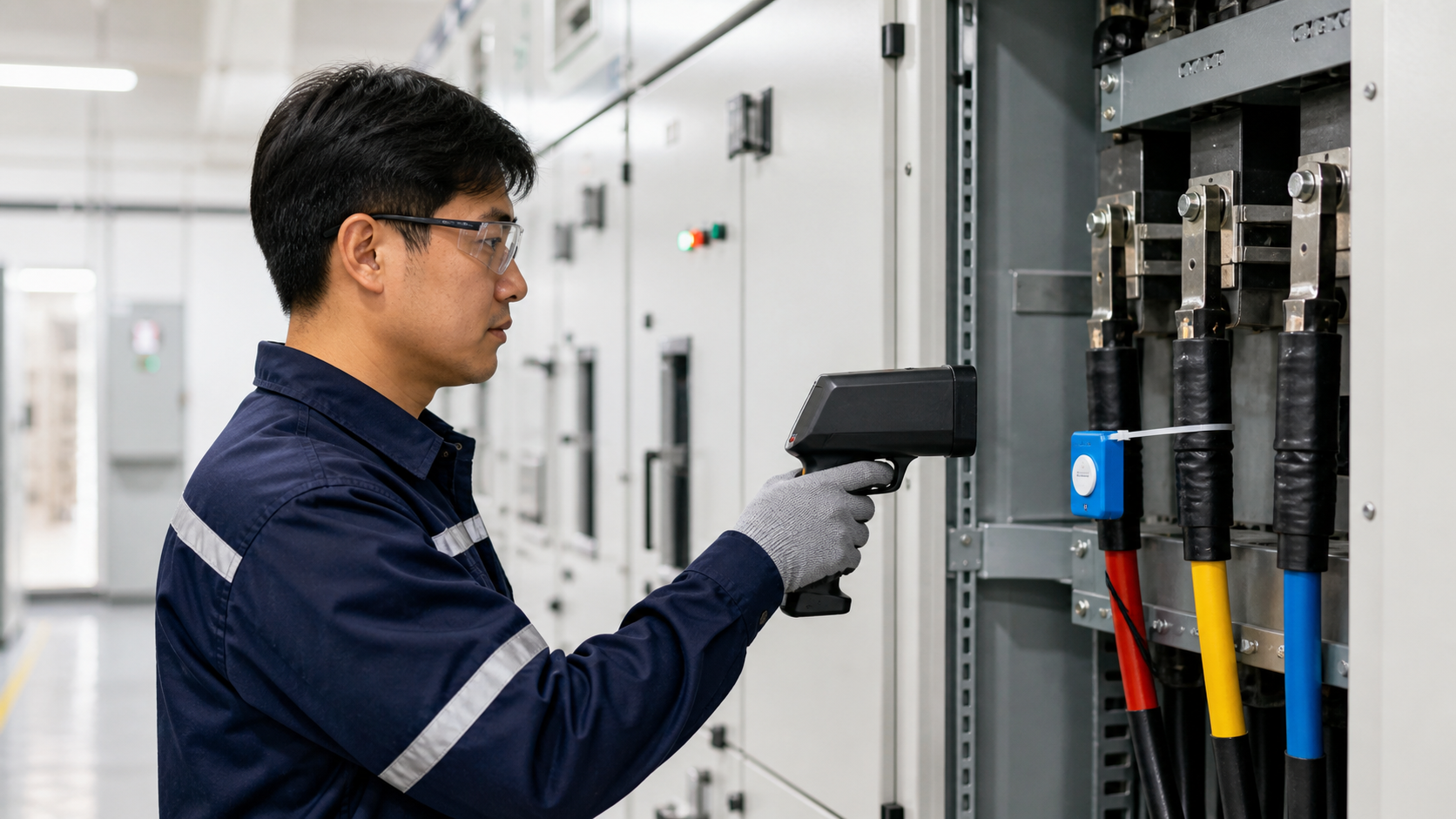
A technician points the handheld RFID reader at a temperature tag installed near the panel checkpoint. BarangTemp records the reading so the team can review equipment status later in the dashboard.
Tag placement
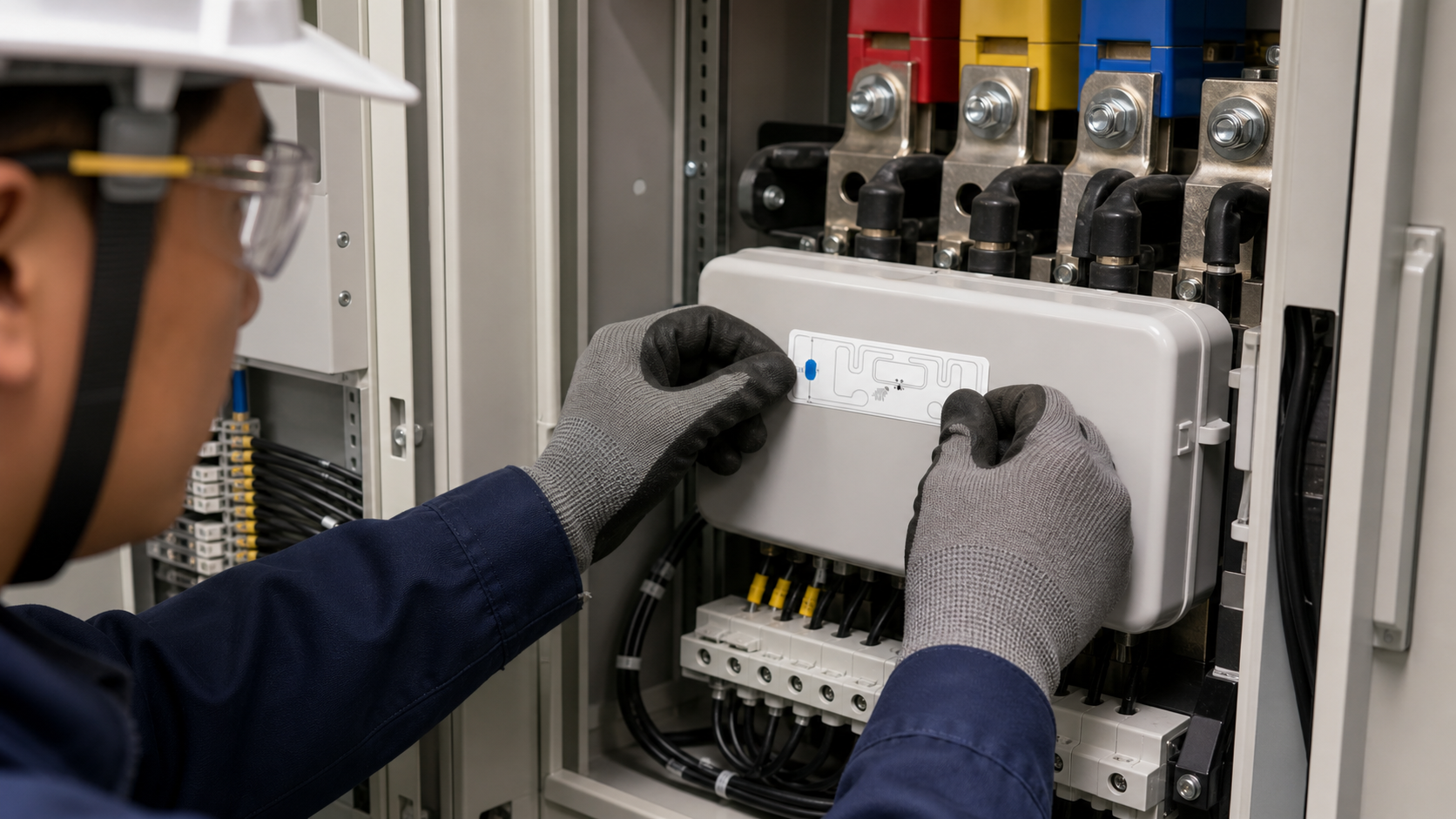
During qualified setup, place the adhesive temperature tag inside the panel at the agreed measurement checkpoint, such as a terminal area, cable joint, busbar cover, or another review point selected by the maintenance team.
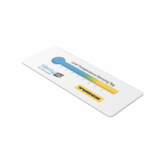
Select the exact internal point the team wants to check during routine temperature scans.
Follow site safety procedures, then confirm the area is suitable for the approved attachment method.
Apply the thin self-adhesive temperature tag securely at the checkpoint using the agreed trial method.
Link the tag to the site, area, equipment, and checkpoint so each scan is saved against the right record.
How teams use it on site
BarangTemp keeps the site trial process focused: register each checkpoint, scan it with a handheld reader, save the reading, and review status in the dashboard.
Confirm where each wireless temperature tag is installed and which equipment record it belongs to.
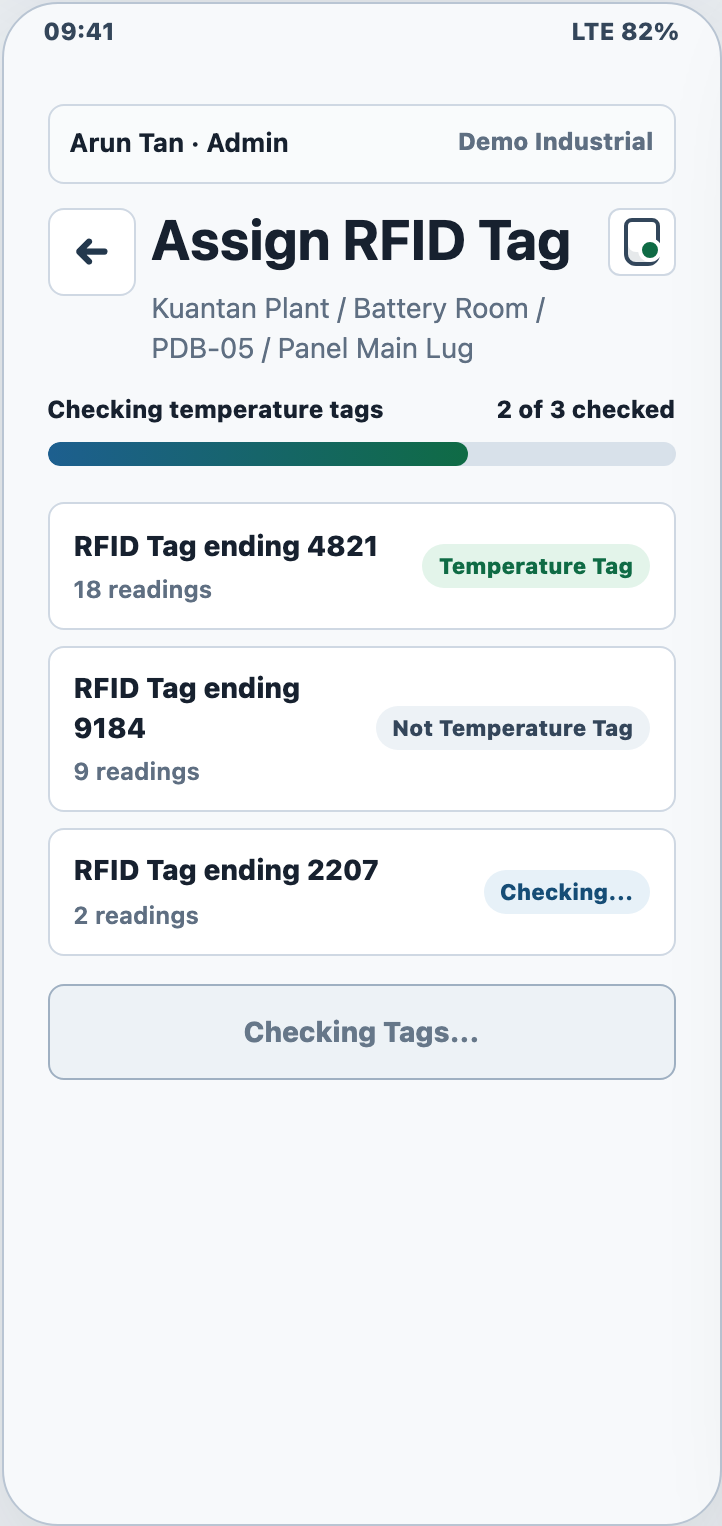
Use the handheld app to identify the equipment, read the temperature tag, and save the result.
Send field readings to the review dashboard for status checks and a clear setup history.
Check normal, warning, critical, and items that still need setup before overheating issues are missed.
Demo screens
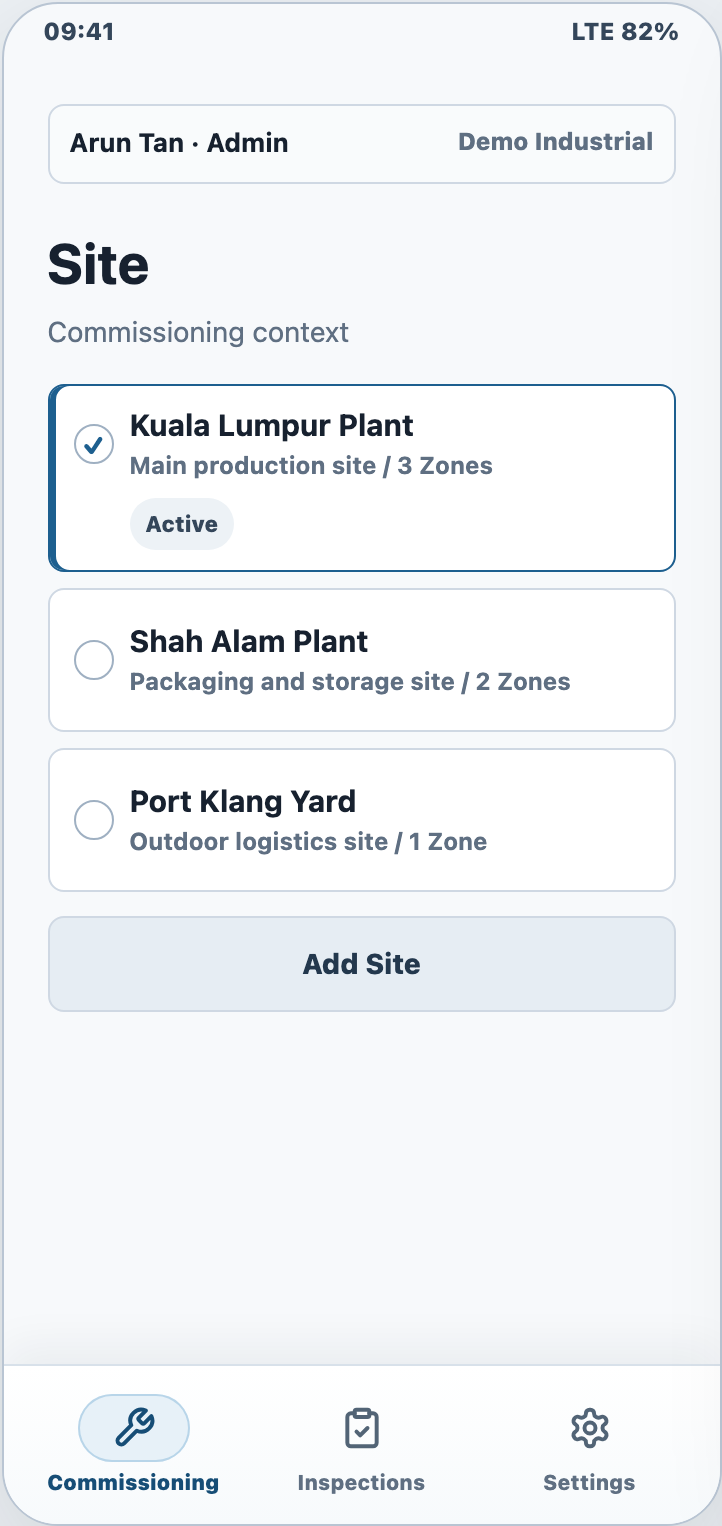
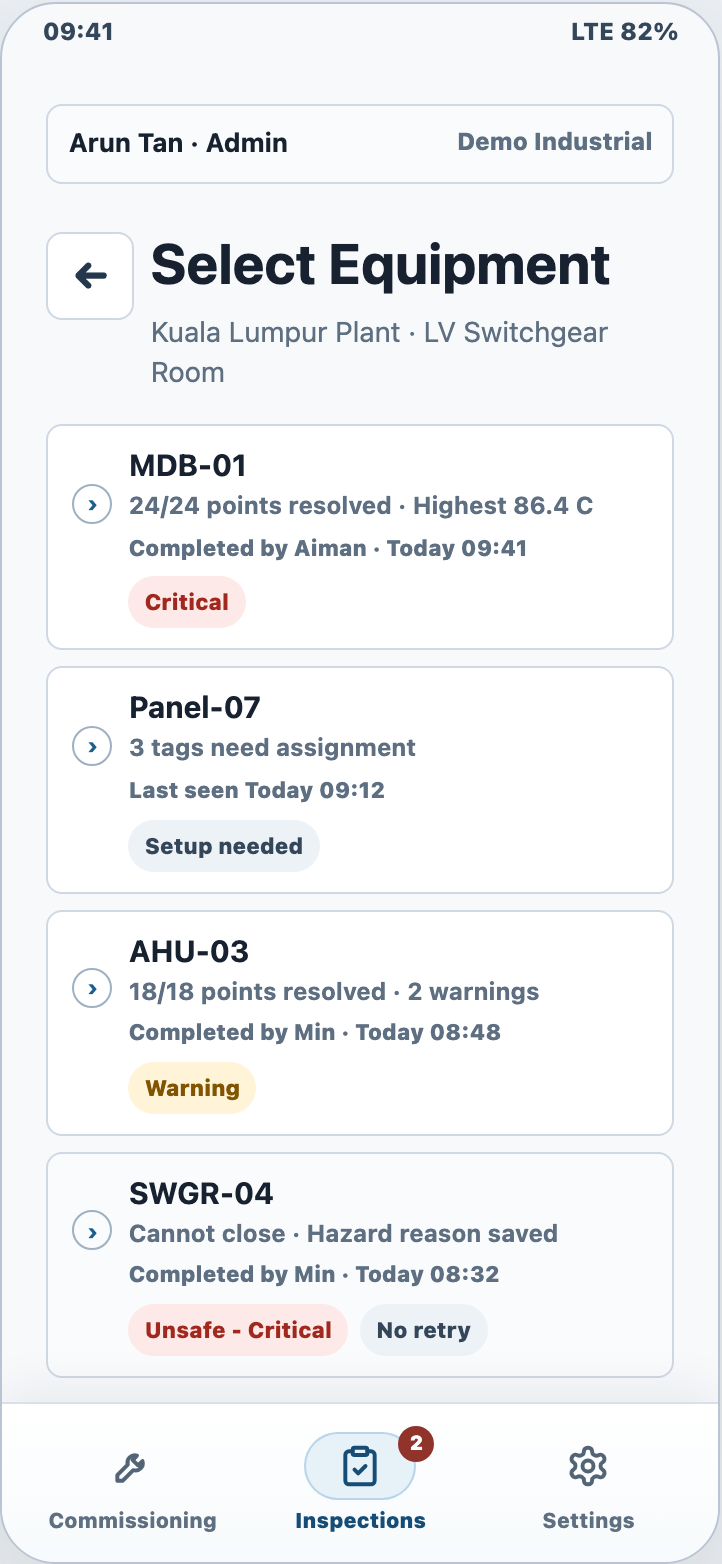
These screens show the equipment setup, tag reading, and dashboard review process without exposing login details or private system addresses.
Customer value
BarangTemp is designed for customer trials: it shows how wireless temperature checks can become a consistent on-site process with records your team can review online.
Turn periodic handheld readings into visible equipment status so warning conditions do not stay buried in manual notes.
Keep the operator focused on scanning, saving photos, and readings while BarangTemp carries equipment details forward.
Set up each site, area, piece of equipment, checkpoint, and tag in a flow that can be reviewed during the trial.
Temperature Sense FAQ
BarangTemp is used to register equipment checkpoints, scan RFID wireless temperature tags, save readings, and review overheating risk in an online dashboard.
Yes. BarangTemp is designed around field checks for electrical and industrial equipment where a handheld reader scans a temperature tag at the agreed checkpoint.
No. BarangTemp supports periodic handheld temperature checks. Continuous busbar temperature monitoring is a separate architecture with fixed readers or connected monitoring points.
Yes. The demo can walk through setup, tag placement, field scanning, uploaded readings, and dashboard review using a practical customer trial flow.
Request a customer demo to walk through equipment setup, wireless temperature readings, how readings are saved online, and dashboard review using the current trial process.